Designing FocalDesk’s Theme System: Personalization Without Losing Consistency.
A desktop can change its atmosphere without making people relearn where the controls are. FocalDesk themes keep the shell’s visual language and interaction model intact while changing the material around them.
By Steve Weiler4 minute read
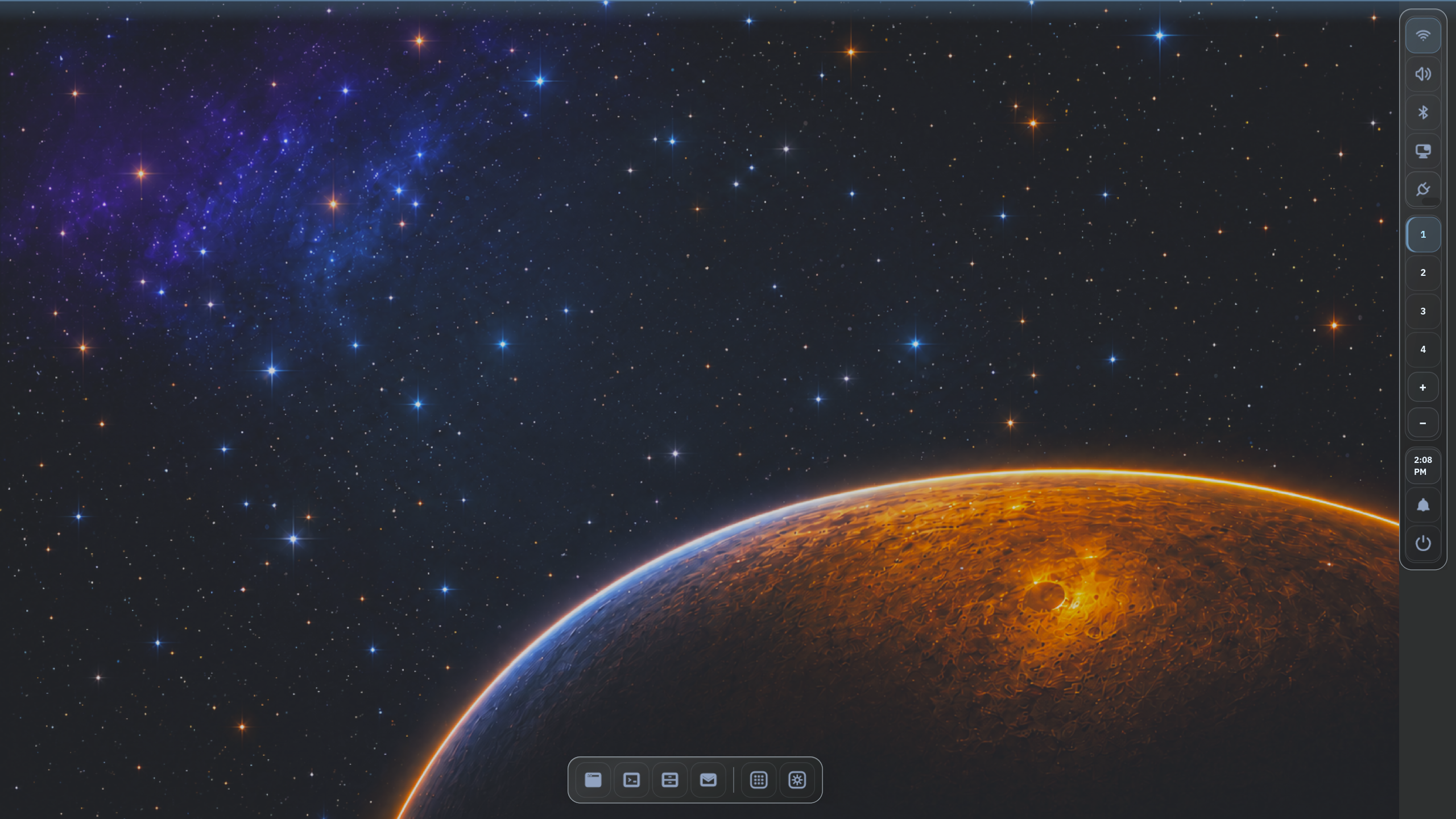
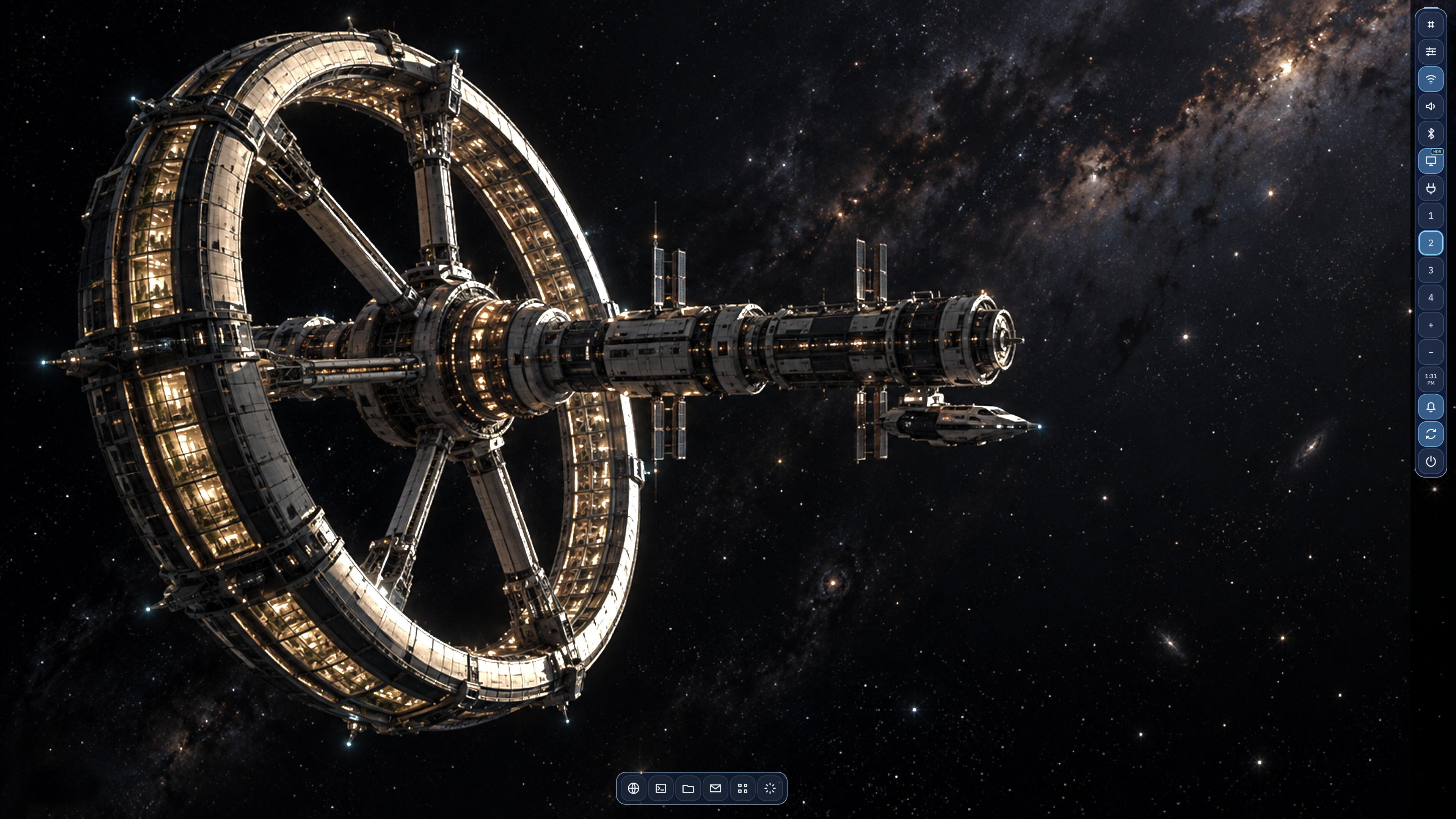
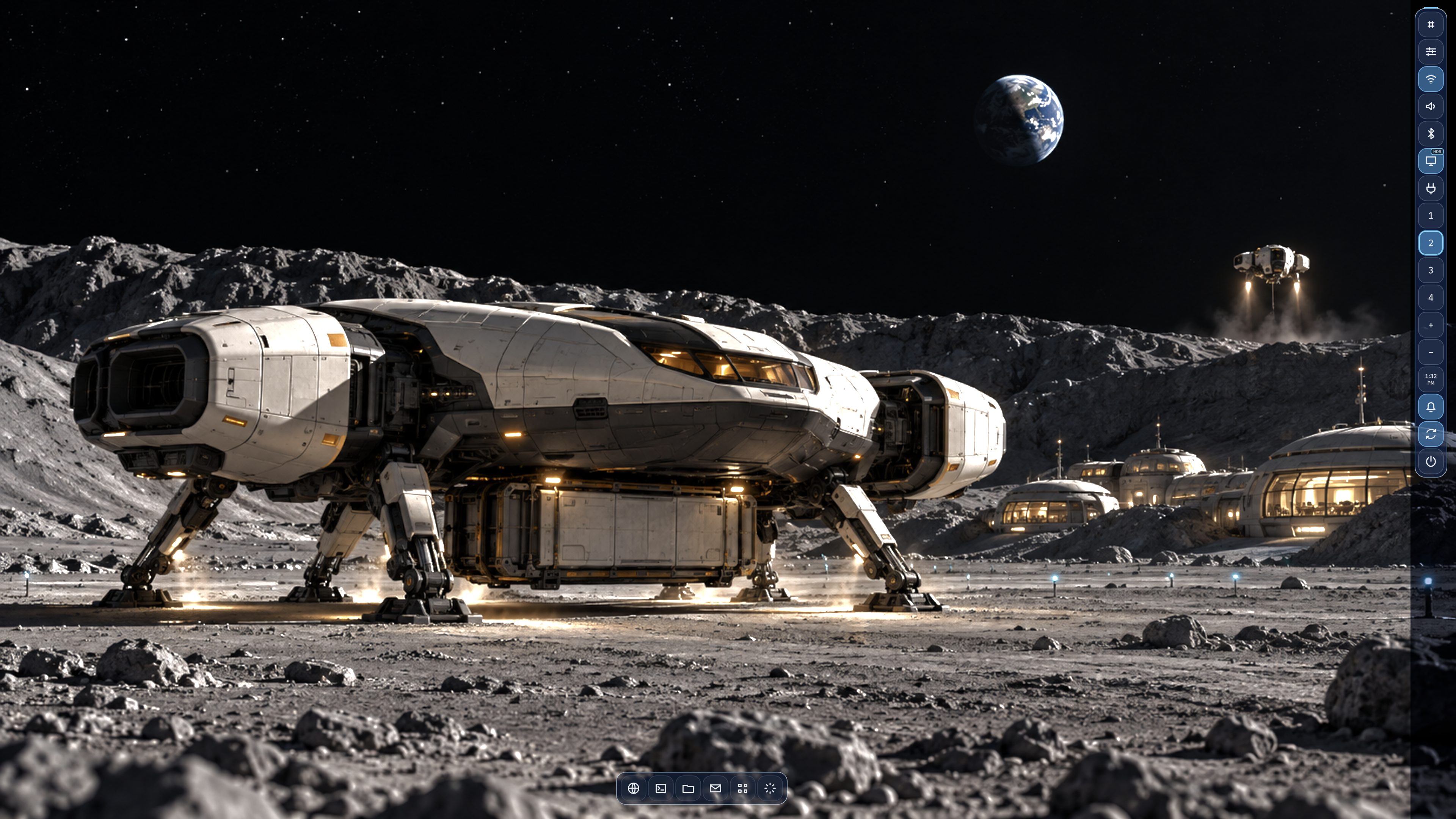
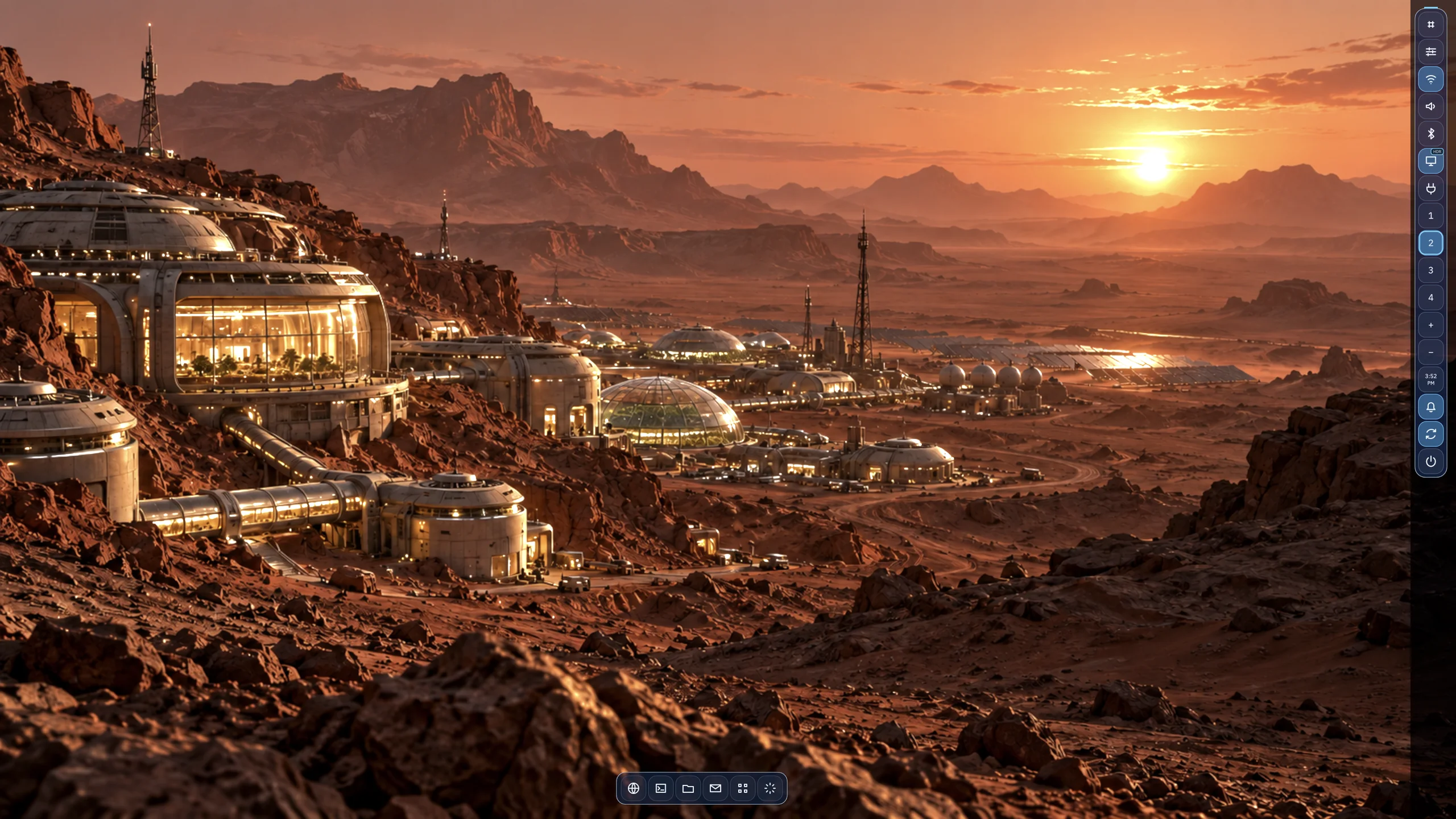
A FocalDesk desktop session. Themes change the atmosphere; the top bar, rail, windows, and controls retain their roles.
Personalization is most useful when it feels like ownership, not a new product. That became the design goal for FocalDesk: let a theme change color, depth, and backdrop while preserving the landmarks people use to navigate the desktop.
One shell, different atmospheres.
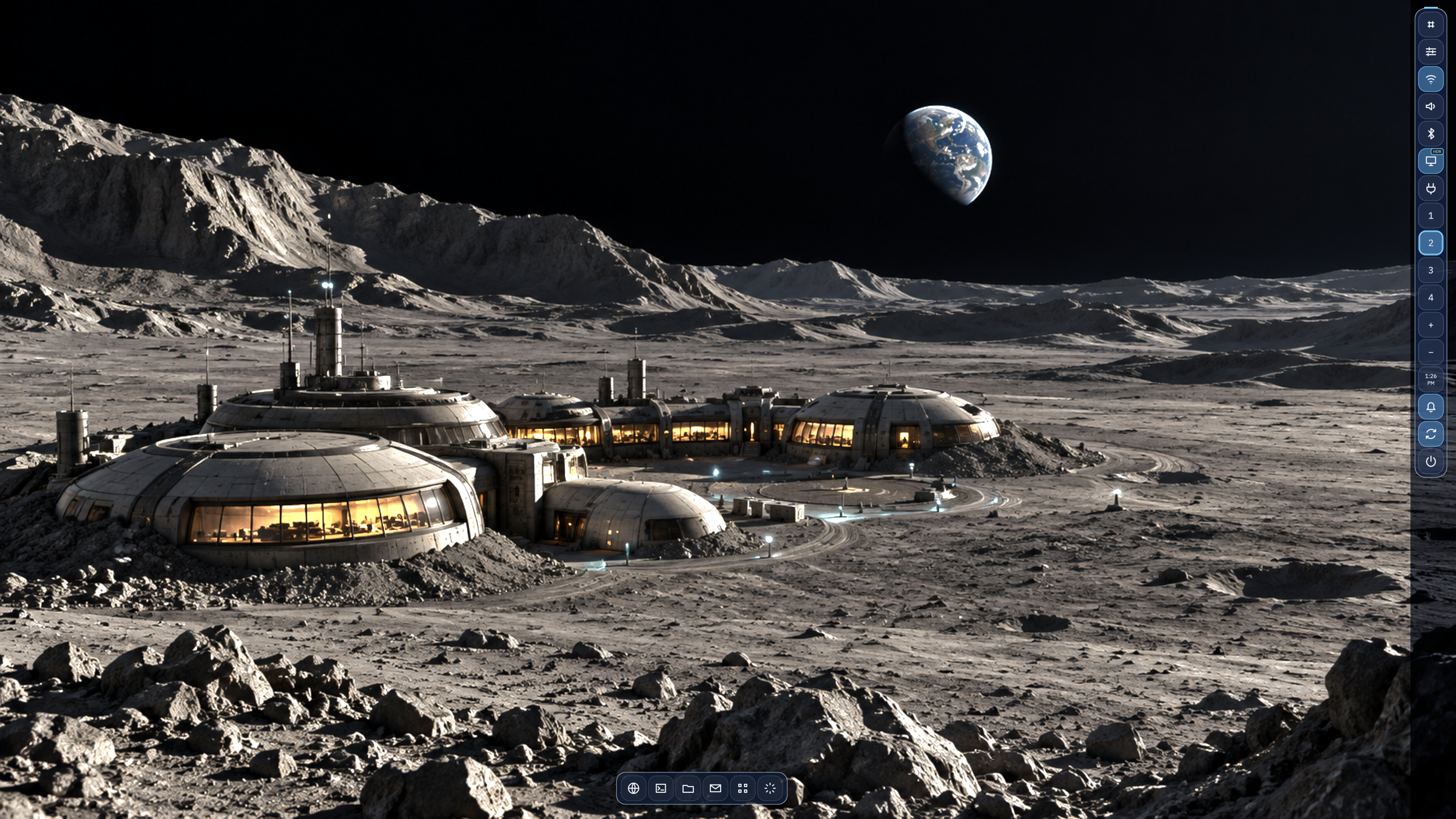
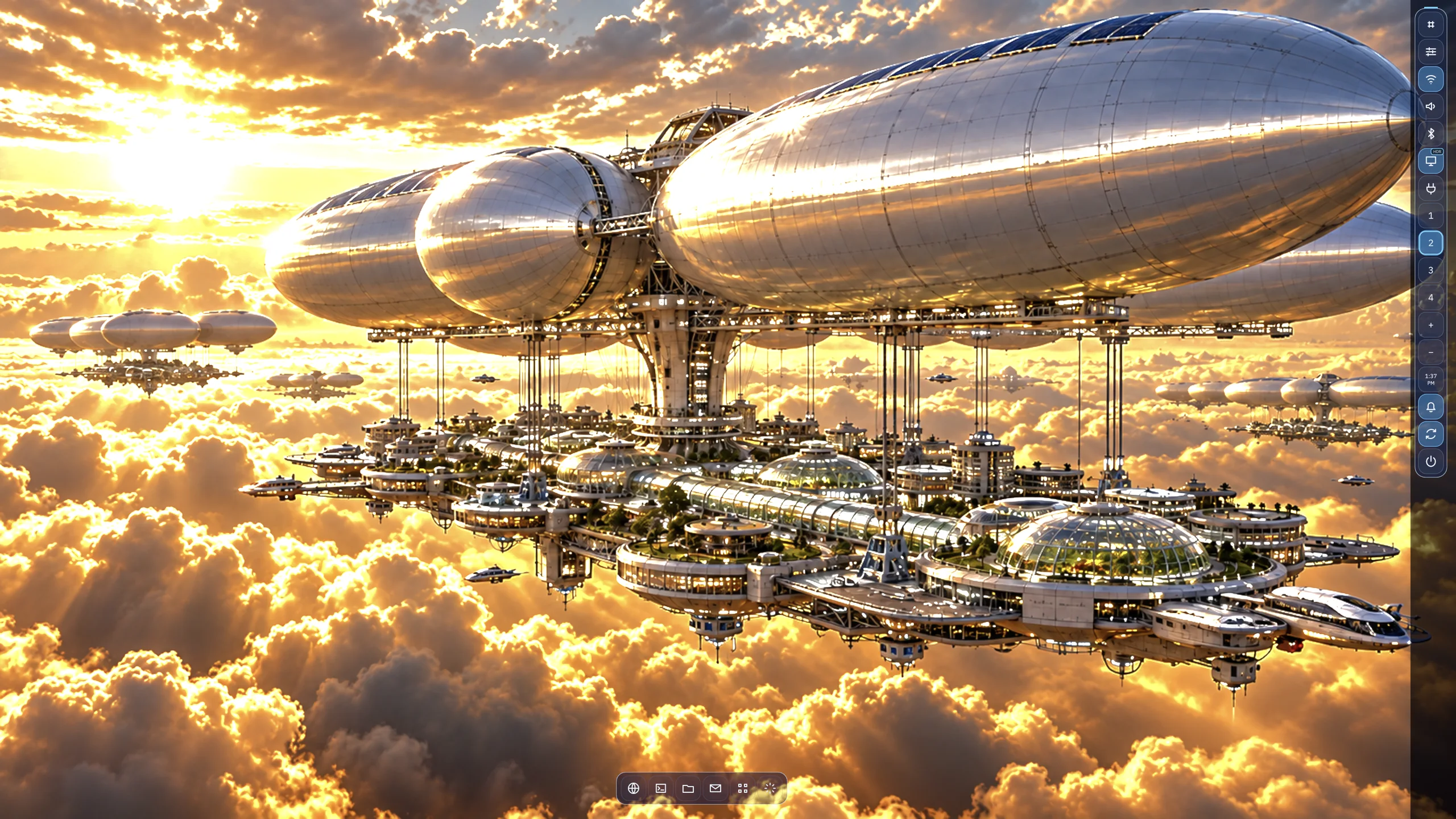
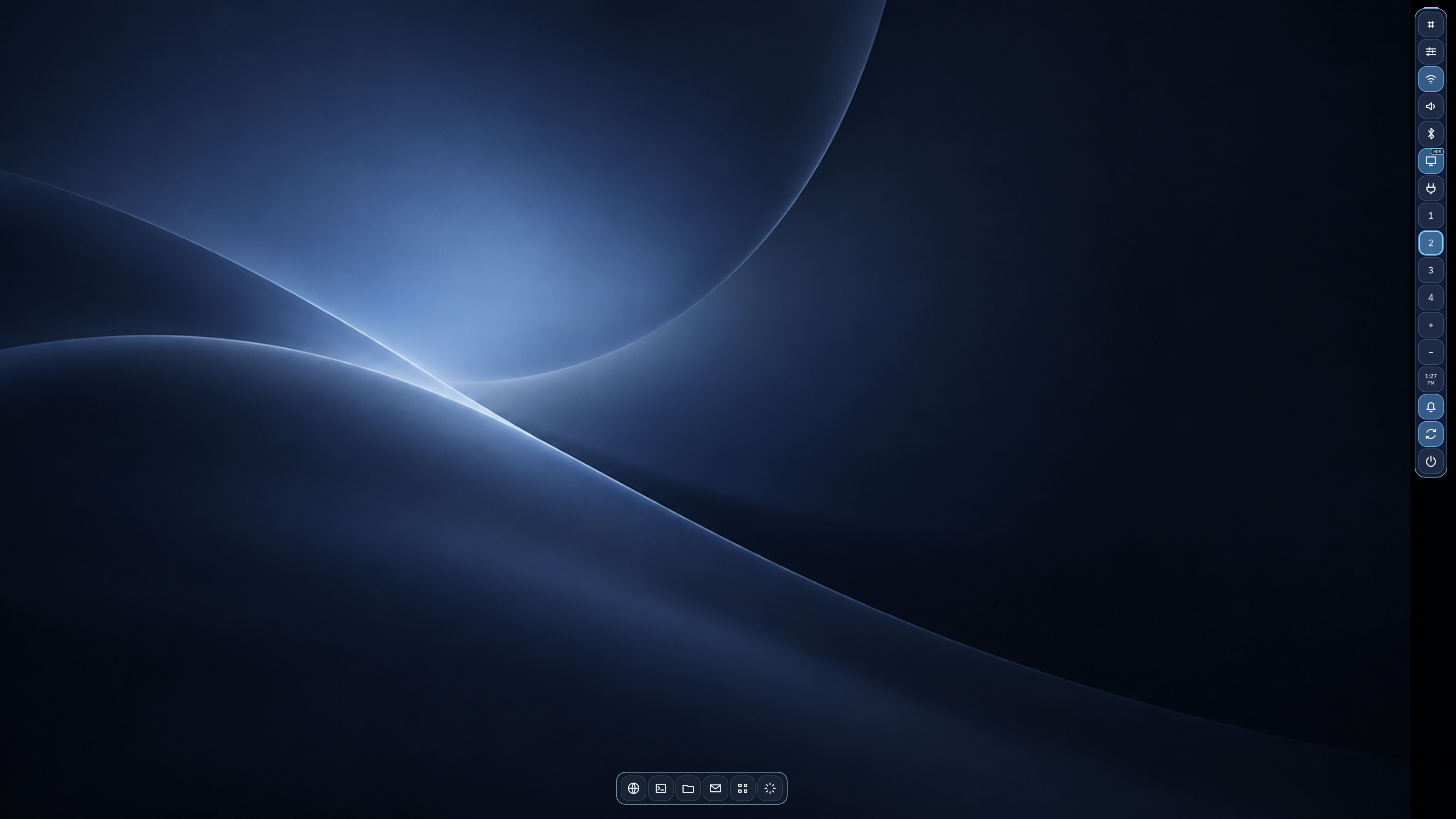
Moonbase cools the shell into blue-gray surfaces. Venus Aerie uses warm earth tones and tighter geometry. Classic brings back the high-contrast orange-and-black look, while Deep Space pairs an electric-blue accent with a compact bar. In each case, the rail stays on the left, the bar remains a bar, and active controls are still visually distinct from idle ones. The user can change the feeling without losing their spatial map.
Same shell · six captured themes
The structure stays put.
MoonbaseCool blue controls against a lunar-base scene.Venus AerieWarm amber controls above the cloud city.ClassicHigh-contrast shell treatment on the familiar rail and dock.Deep SpaceElectric-blue controls alongside the Deep Space station backdrop.Lunar TransportThe renamed Eagle theme, using the same shell landmarks.Mars ColonyWarm amber controls set against a sunset settlement on Mars.
These are authentic FocalDesk theme captures, arranged to make the shared rail, dock, and control roles easy to compare.
Themes control more than color.
A FocalDesk theme is a semantic document, not a terminal palette. It defines surface colors for the bar, rail, buttons, popups, and window frames; primary and secondary type; dimensions for the bar, rail, padding, gaps, and icons; and borders, highlights, shadows, glow, and corner radius. It also carries paint and wallpaper behavior: fit, dim, tint, blur, saturation, and optional automatic accent extraction.
A portable file connects design tokens to the desktop.
Theme Editor saves a versioned TOML document and can package it as a portable .fdtheme file with one wallpaper asset. Imported packages are validated, installed into the user’s theme directory, and become selectable in Appearance. A live preview is intentionally temporary; Apply changes the compositor’s running theme, while Save and Export preserve the authored source.
package_version = 1
slug = "venus-aerie"

[document.paint.color]
space = "srgb"
r = 0.90
g = 0.60
b = 0.25

[document.semantic.surfaces.dock.normal]
r = 0.085
g = 0.075
b = 0.070

[document.semantic.layout]
bar_height = 64.0
dock_width = 56.0
icon_size = 44.0
An excerpt from Venus Aerie’s implemented theme package: semantic color tokens and shell metrics travel together.
Readability is a theme constraint, not a finishing pass.
Wallpapers are intentionally powerful, so the theme system gives them guardrails. Surface tokens keep the rail and controls from borrowing arbitrary pixels from the background; typography has separate primary and secondary colors; and the editor’s state-matrix preview plus compositor status report contrast issues for primary text. The editor shows the problem rather than silently changing an author’s colors.
That balance is what makes the themes feel like different places while remaining one desktop. Personalization has room to be expressive, but a click target, an active state, and a line of text should still be obvious at a glance.